The live board: every creator you follow on one screen
By
- toktokdata.live team · Data teamThe people who read the boards, run the crawlers and write the methodology.
Published
Reading time
2 min read
What the live board is for
The live board puts every creator on your watchlist on one screen, LIVE ones first. It answers the questions an agency asks all day: who is LIVE right now, who is doing better or worse than usual, and how the whole roster is doing today.
The video shows the board with a demo roster: the totals, a group filter, a longer range, the three views and opening a creator.
Step by step
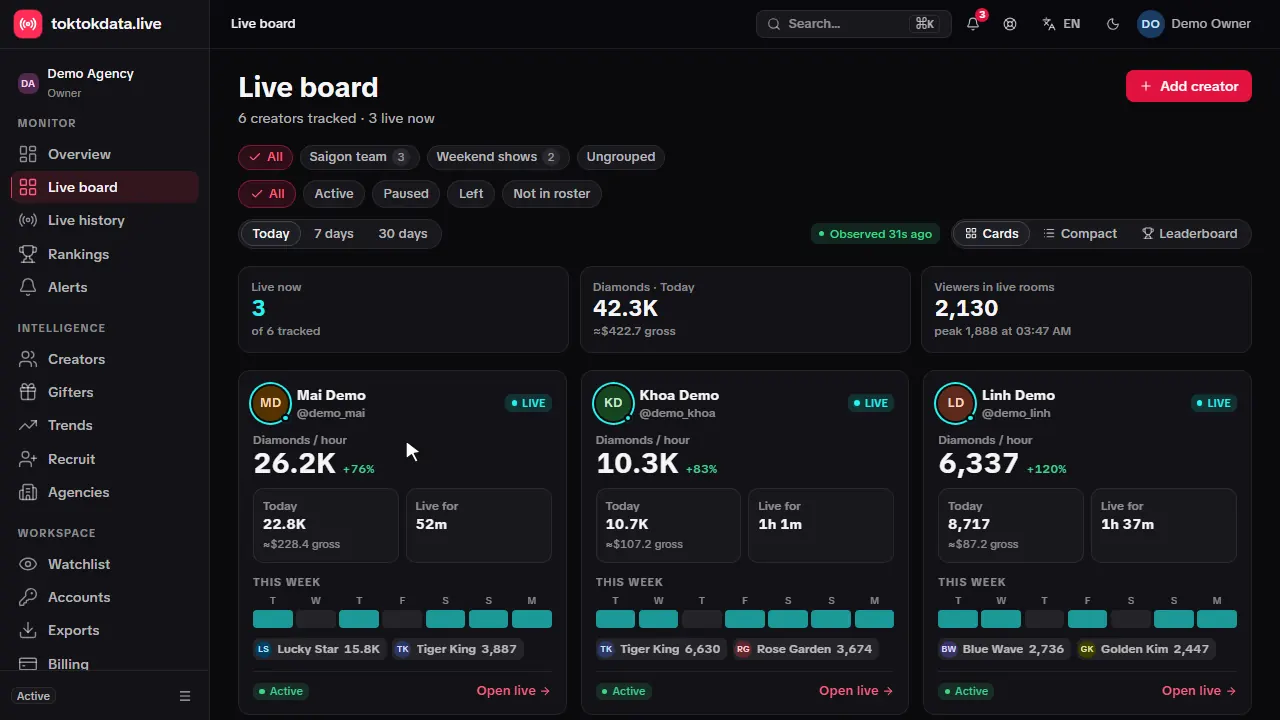
1The top cards show how many creators are LIVE now, the diamonds of the range and the viewers in LIVE rooms.
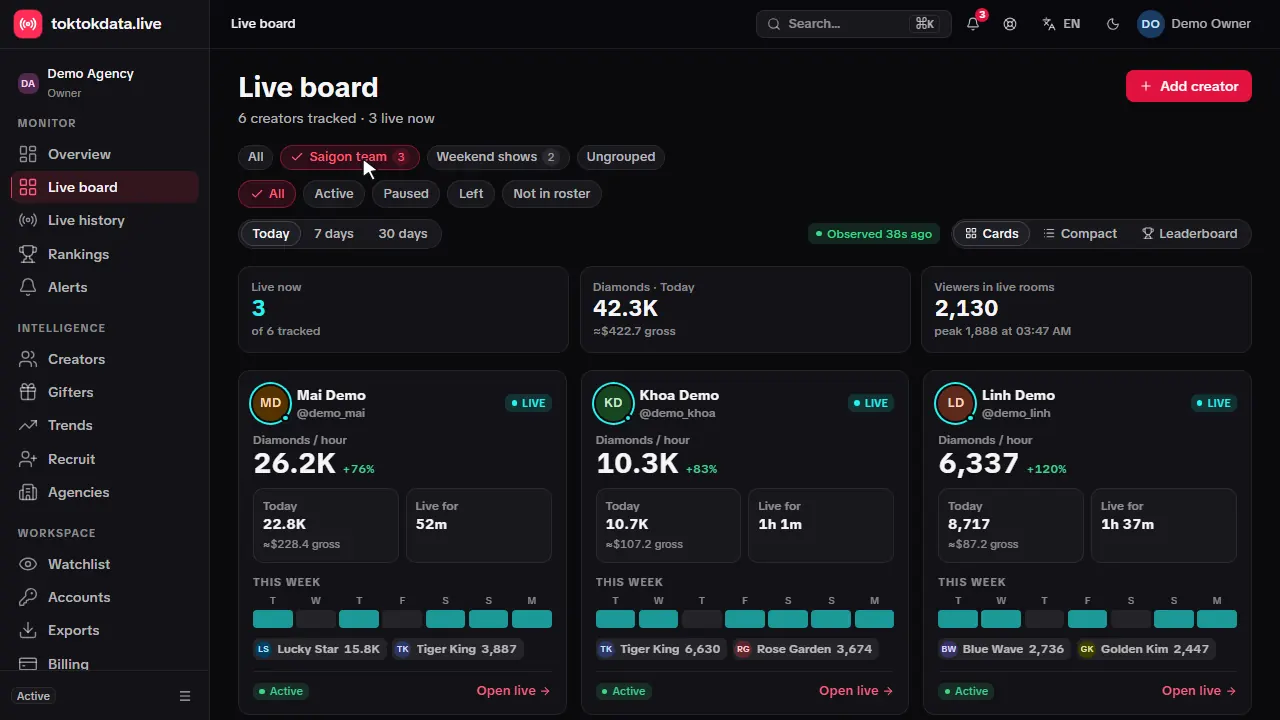
2Filter by group, or by roster status, to see one team only.
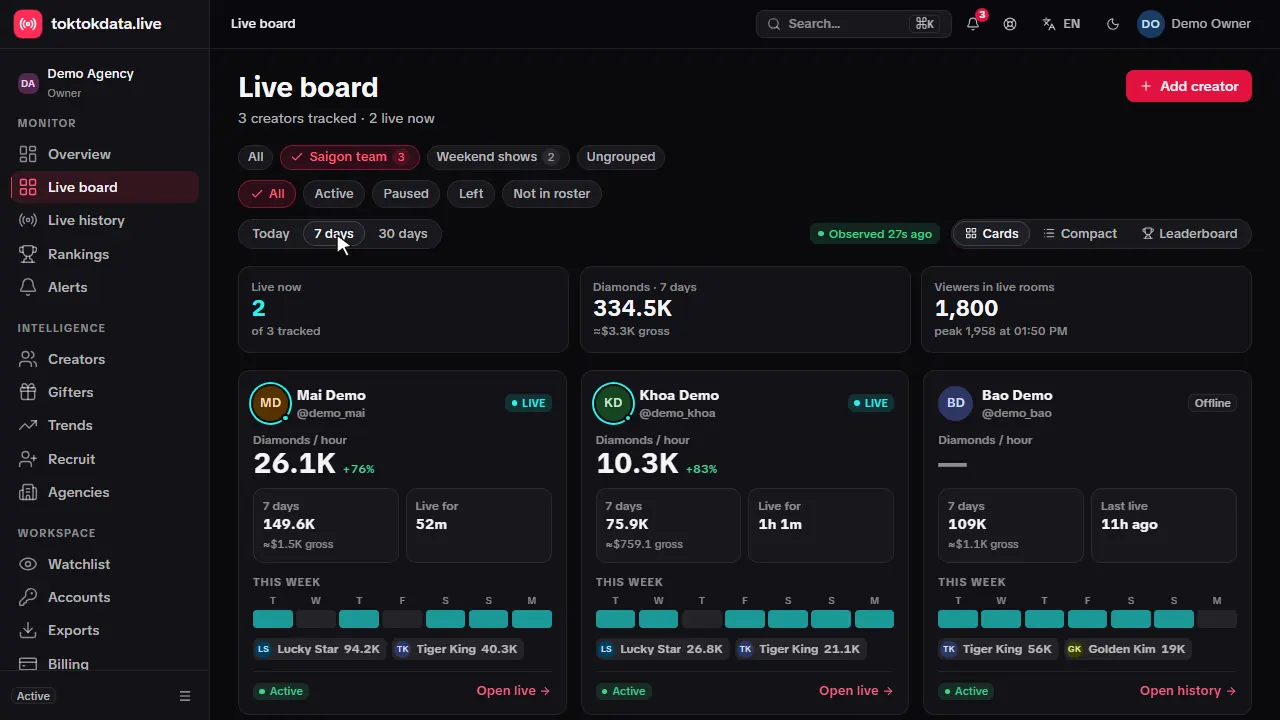
3Change the range: today, 7 days or 30 days.
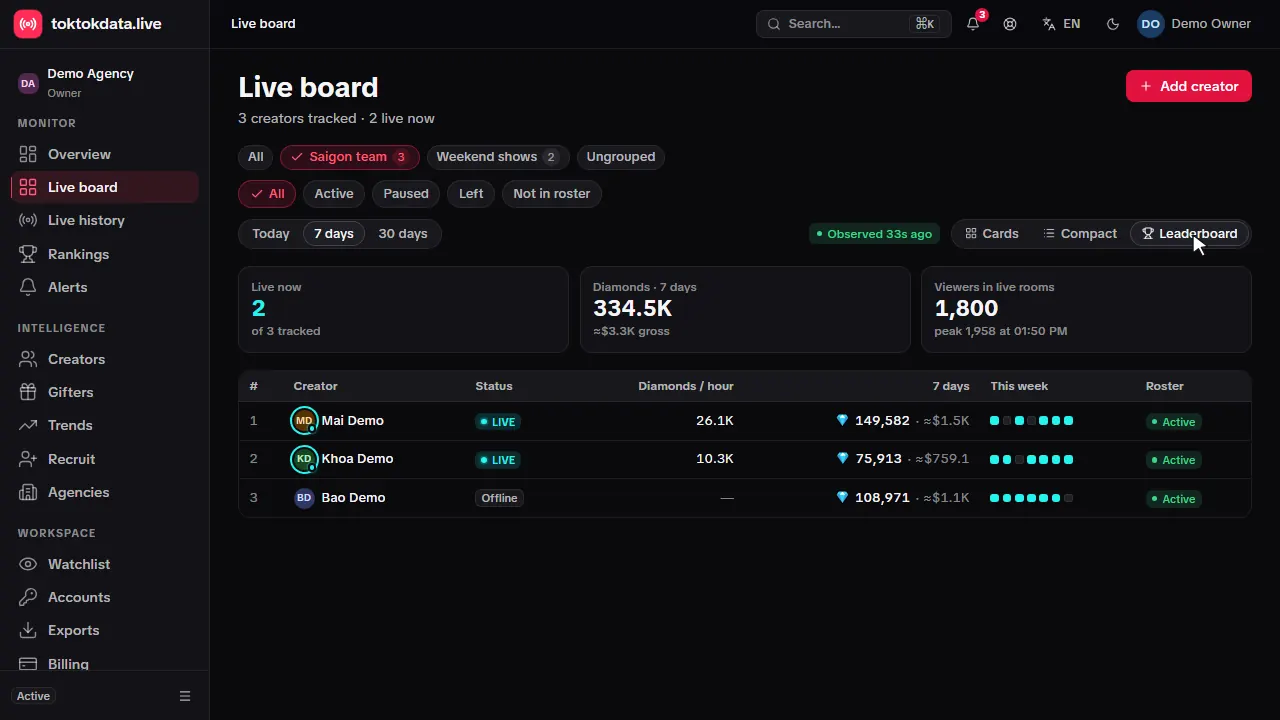
4Switch the view: cards, a compact list or a leaderboard.
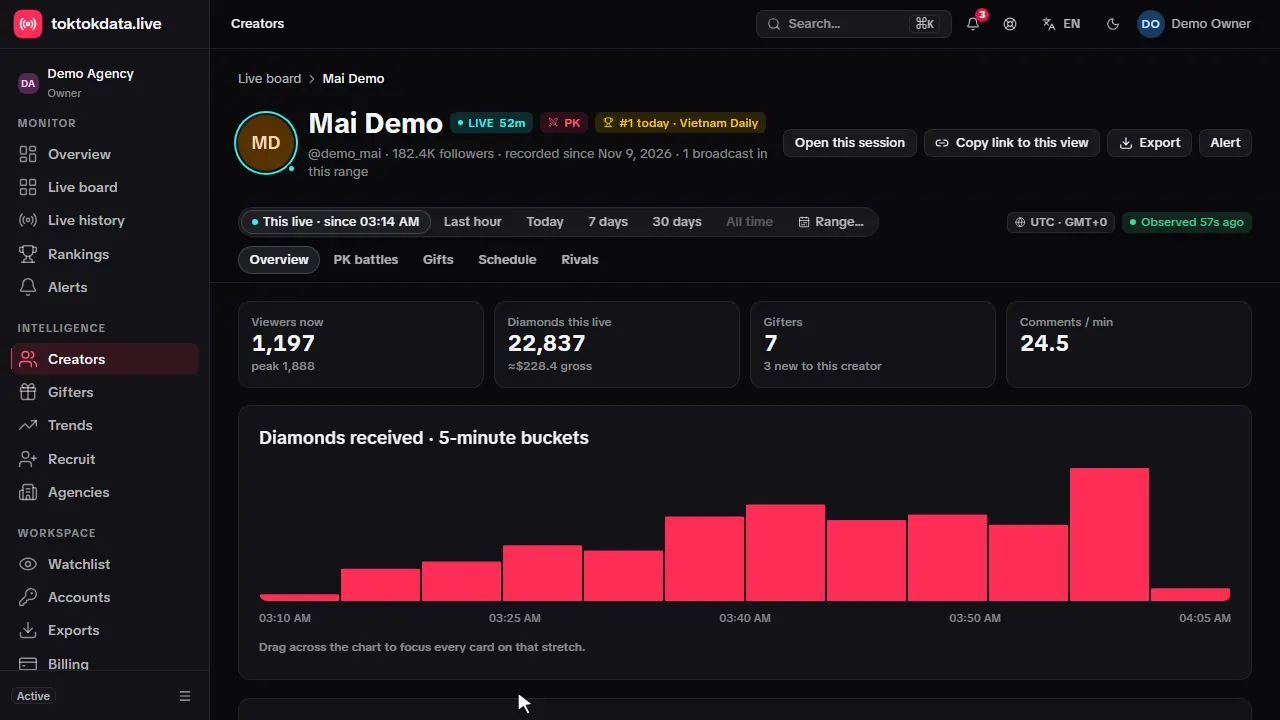
5Open a creator's LIVE page from their card.
Reading a creator card
A LIVE creator's card shows diamonds per hour with a percentage against the creator's own usual rate, so a quiet creator having a great night stands out as much as a star. The card also shows the diamonds of the range, how long they have been LIVE, the days of the week they went LIVE and their two top gifters.
An offline creator's card shows when they were last LIVE. Where we recorded nothing yet, the card can show TikTok's own daily board figures, labelled as official and never added to the totals.
- +84%: earning faster than usual; a big jump can trigger a Diamond spike alert
- This week: a filled square for every day with a LIVE
- Open live or Open history: the creator's LIVE page
Filters, ranges and views
The group chips come from the groups of your watchlist; the status chips from the roster (active, paused, left). Today starts at midnight in your workspace's time zone. Compact fits more creators on the screen; Leaderboard ranks them by diamonds.
Every number comes from the LIVE rooms we recorded, so it is a lower bound of what the creator really earned. Read how we collect data, then go deeper on one creator with how to read a creator's LIVE page. Creators get onto the board through the watchlist: how to add a creator.
Questions
Frequently asked questions
Why does a creator show LIVE late or not at all?
A creator appears LIVE once we record their room, usually within a minute or two of the start. A creator that is not tracked yet cannot show as LIVE from our recording.
What does the percentage next to diamonds per hour mean?
It compares the last hour with the creator's own typical rate over recent weeks. It is blank until we have enough history for that creator.
Can a manager see only their own creators?
Yes. Put each manager's creators in a group and use the group chip; managers assigned on the roster see their own hosts.