Getting started: create your account, workspace and plan
By
- toktokdata.live team · Data teamThe people who read the boards, run the crawlers and write the methodology.
Published
Reading time
2 min read
Sign up in under a minute
The dashboard at app.toktokdata.live has no password. You type your work email, we send you a sign-in link, and opening that link signs you in. The same link signs you up the first time, so there is no separate registration form. You can also continue with Google.
The video below shows the whole path on the real dashboard, recorded with demo data: the sign-in page, the email step, the first screen after the link, the workspace settings and the plans.
Step by step
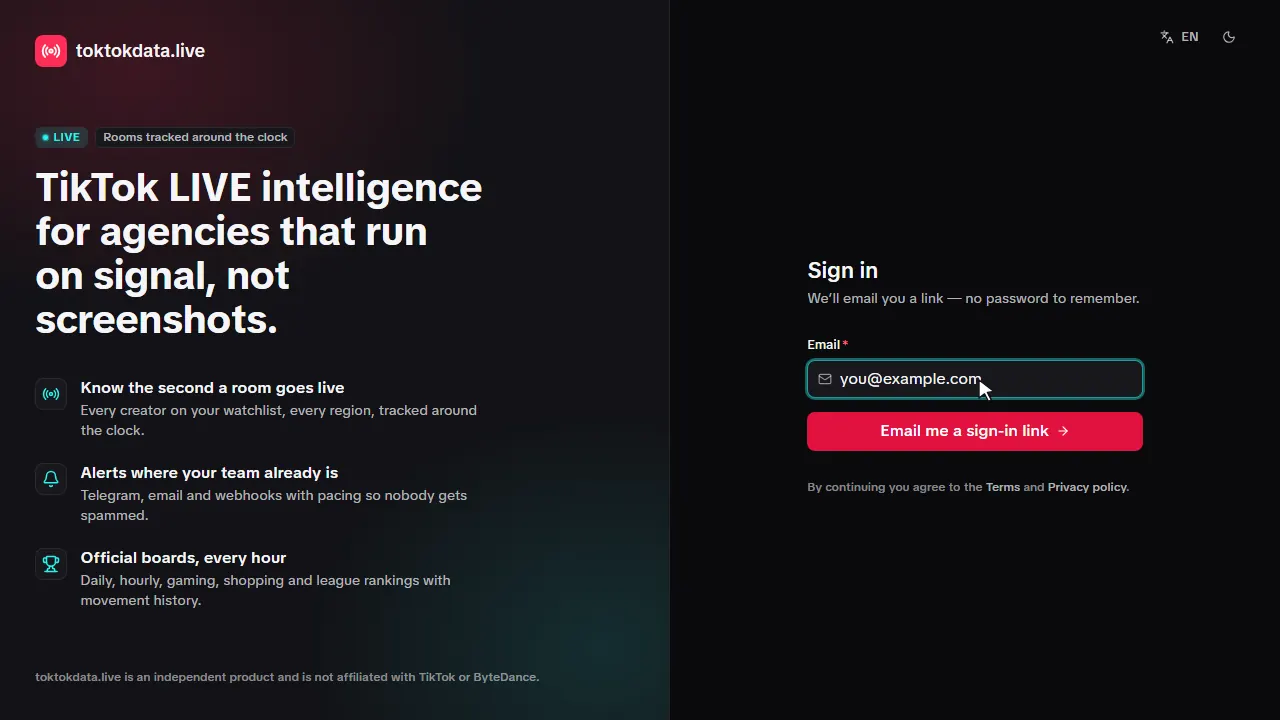
1Open the dashboard and type your work email.
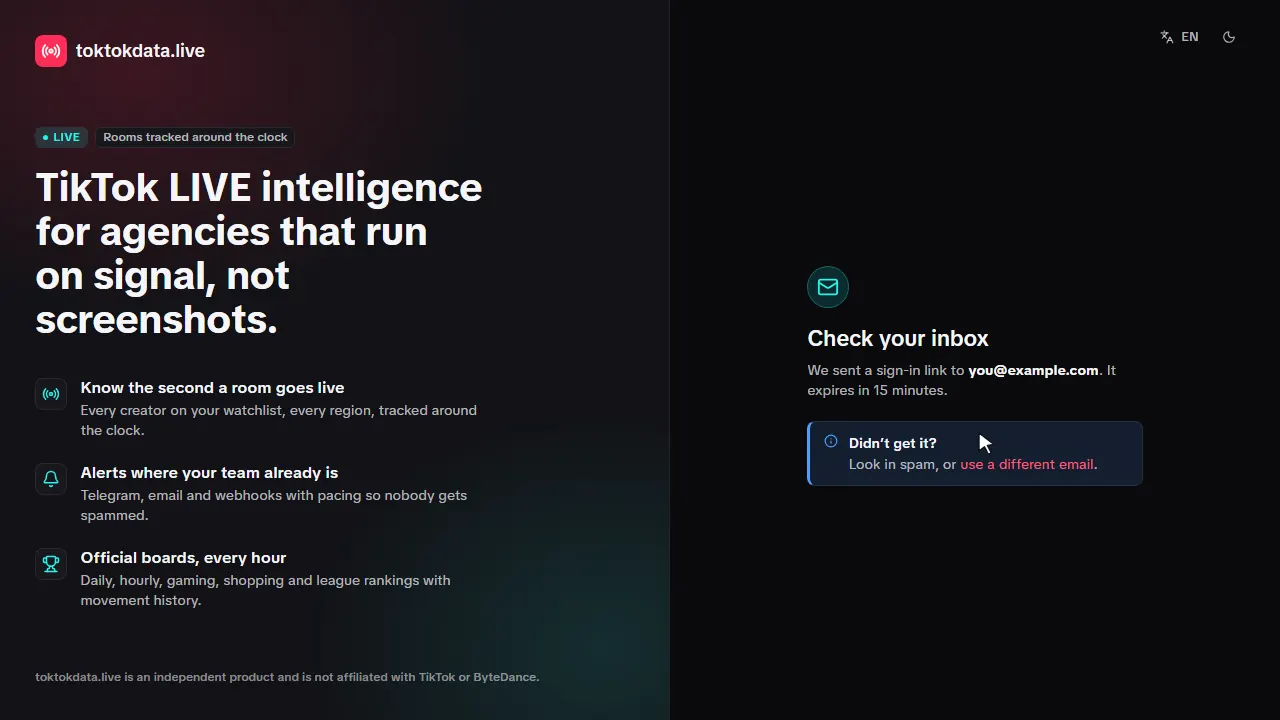
2Press "Email me a sign-in link" and open the email we send you (the link works for 15 minutes).
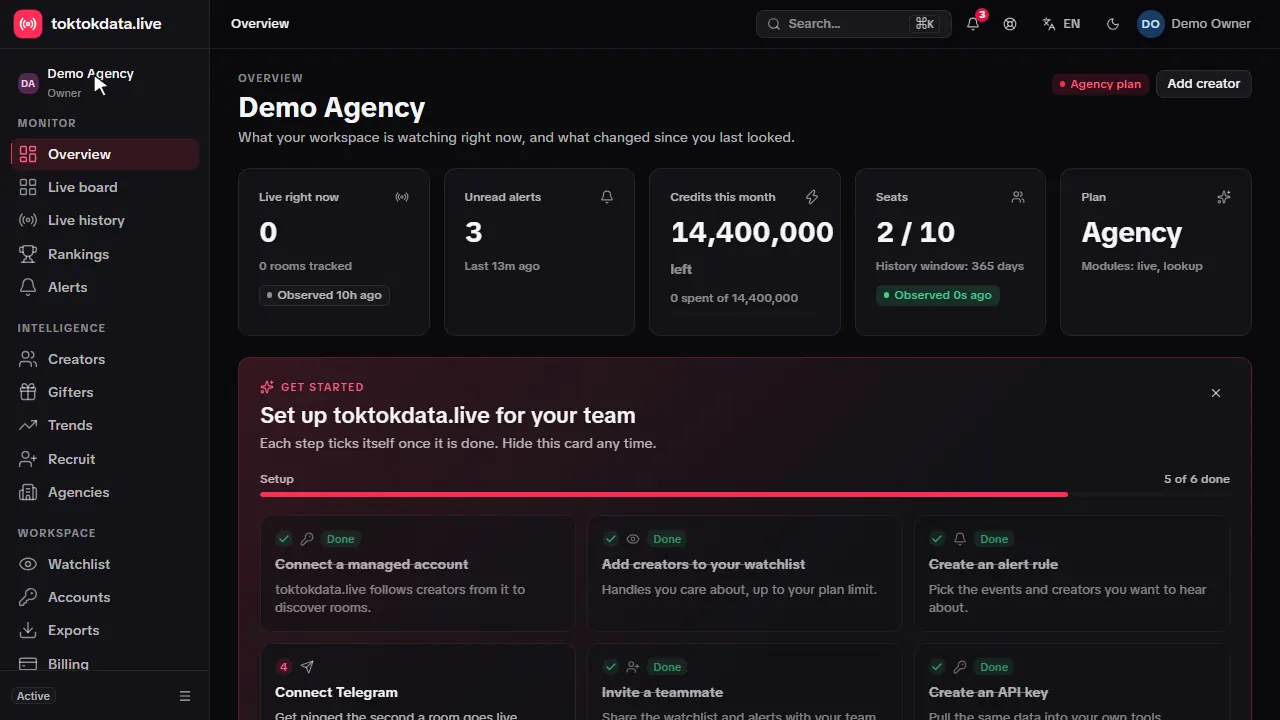
3The link signs you in: you land on the Overview of your own workspace.
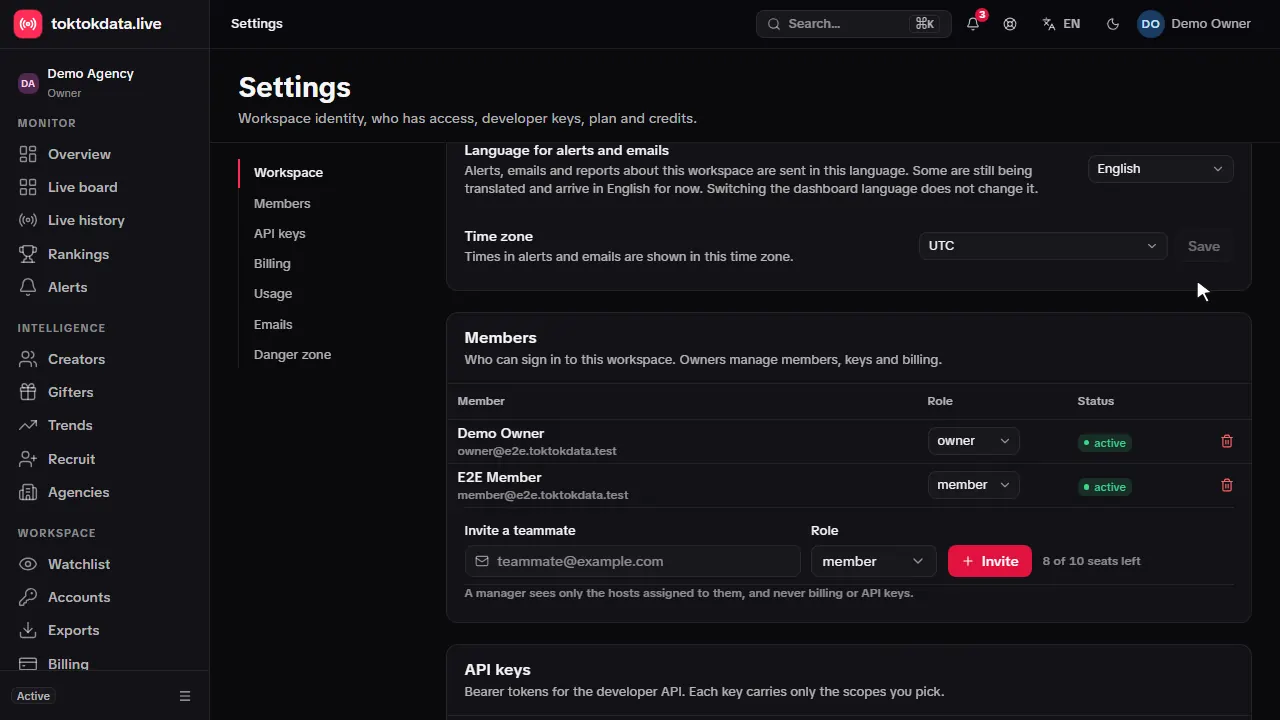
4In Settings, rename the workspace and invite your team under Members.
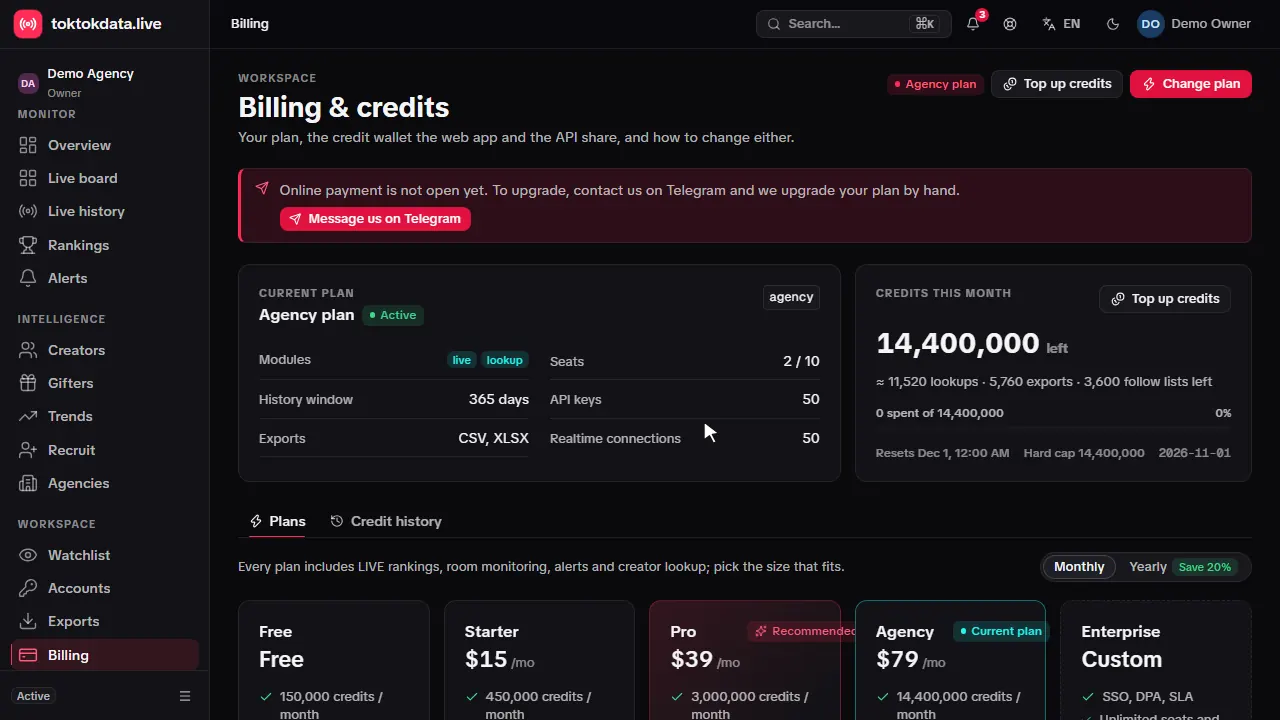
5Open Billing to compare the plans and choose the one that fits.
Your workspace
Everything you set up lives in a workspace: the watchlist, alert rules, exports, API keys and members. Your first sign-in creates a personal workspace with you as its owner. Rename it in Settings → Workspace so your team recognises it, and set the language and time zone used for alerts and emails.
Owners invite people under Settings → Members. A member sees the same watchlist and boards; owners also manage keys and billing. How many seats a workspace has depends on its plan.
Choosing a plan
Every workspace starts on Free. It lets you look around: the boards, creator profiles, a small watchlist and a short history. Recording a creator's LIVE rooms, exports and longer history come with the paid plans, and the gifter watchlist starts on Pro. The pricing page lists what each plan includes and what it costs.
Billing in the dashboard shows your current plan and how to upgrade. When you change plans, the new limits apply to the whole workspace right away.
- Free: explore the dashboard and the public boards
- Paid plans: LIVE recording of your watchlist, exports, longer history, more seats
- Every number shown comes with its source; see how we collect data
What to do next
Add the creators you care about to your watchlist: how to add a creator and sort it into groups. Then read what gets tracked automatically after you add one, so you know when the first numbers appear.
Questions
Frequently asked questions
Do I need a password?
No. Every sign-in uses a link sent to your email (valid for 15 minutes) or your Google account.
Can my team share one workspace?
Yes. The owner invites members in Settings → Members; the number of seats depends on the plan.
Is toktokdata.live part of TikTok?
No. The toktokdata.live site is an independent product and is not affiliated with TikTok or ByteDance.