What gets tracked after you add a creator, and how soon data shows
By
- toktokdata.live team · Data teamThe people who read the boards, run the crawlers and write the methodology.
Published
Reading time
2 min read
From "Queued" to the first LIVE numbers
When you add a creator on a paid plan, toktokdata.live starts recording their LIVE rooms on its own: you do not press anything else. The LIVE recording column of the watchlist shows where each creator is in that process.
The video follows a demo creator from the moment it is added: Queued on the watchlist, an empty LIVE page before the first broadcast, and what a creator who is already tracked looks like while LIVE.
Step by step
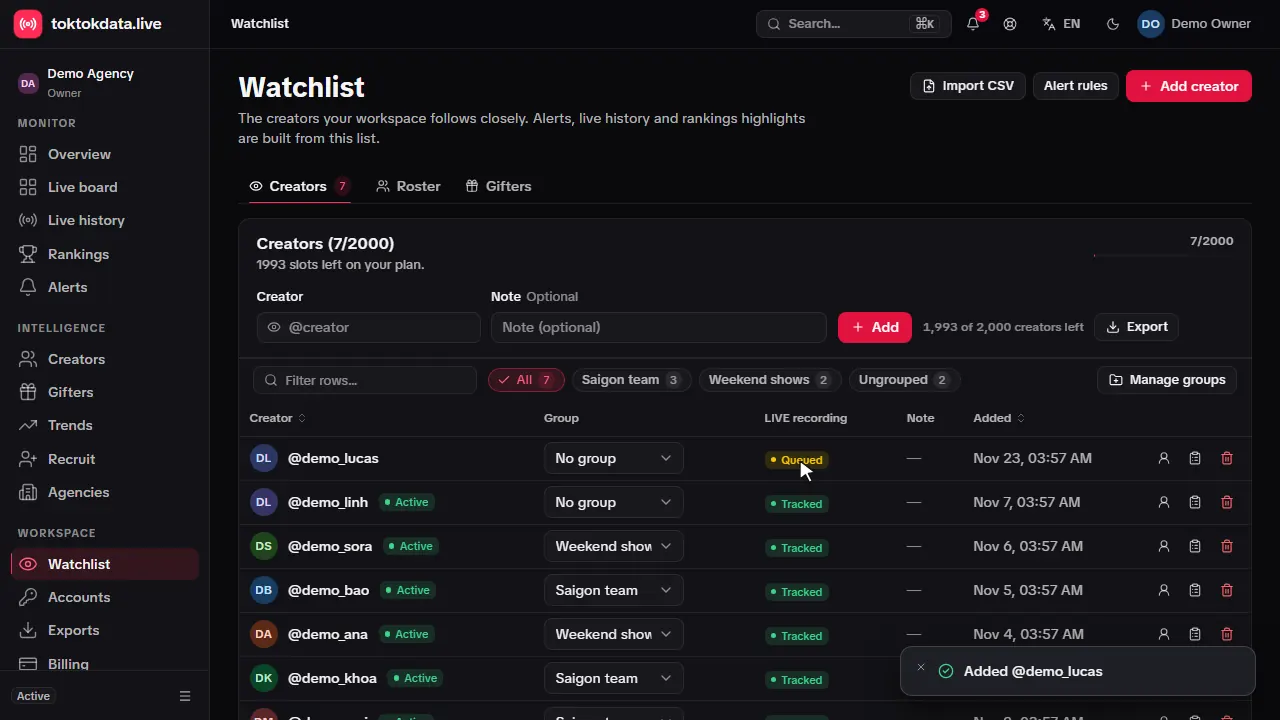
1Add a creator: the LIVE recording column says Queued.
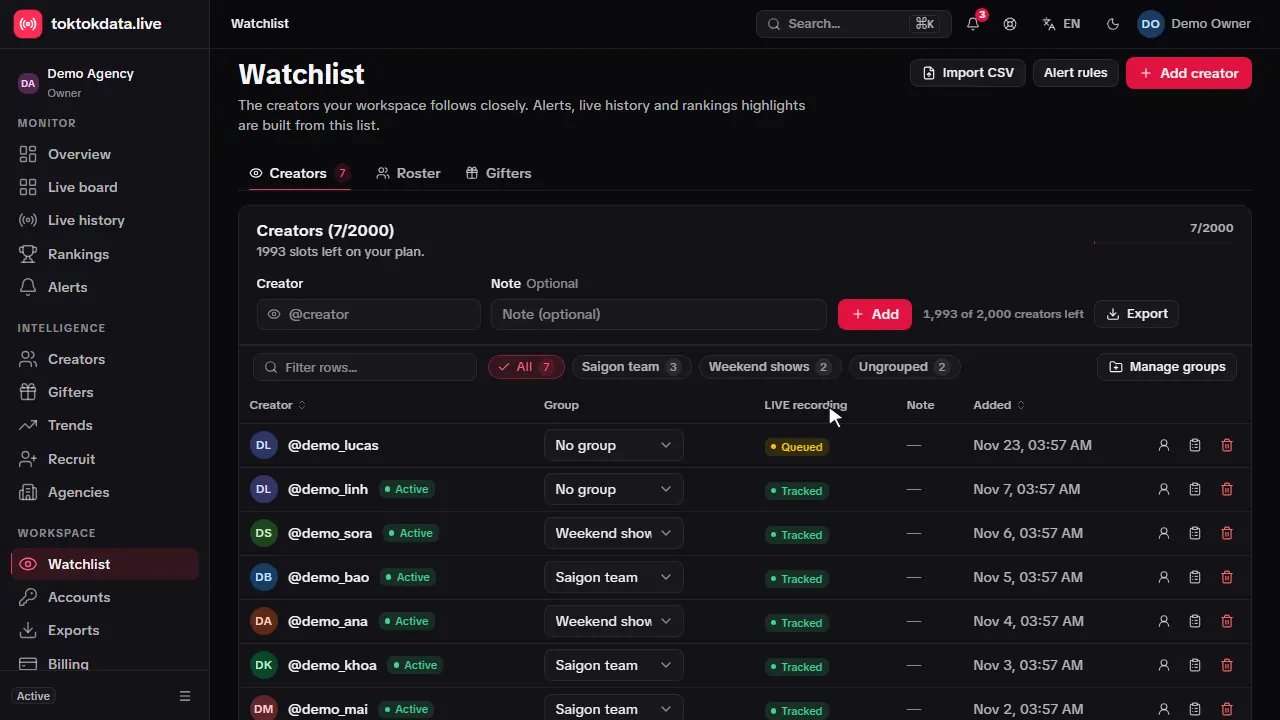
2Tracked means our TikTok account follows the creator and records every LIVE.
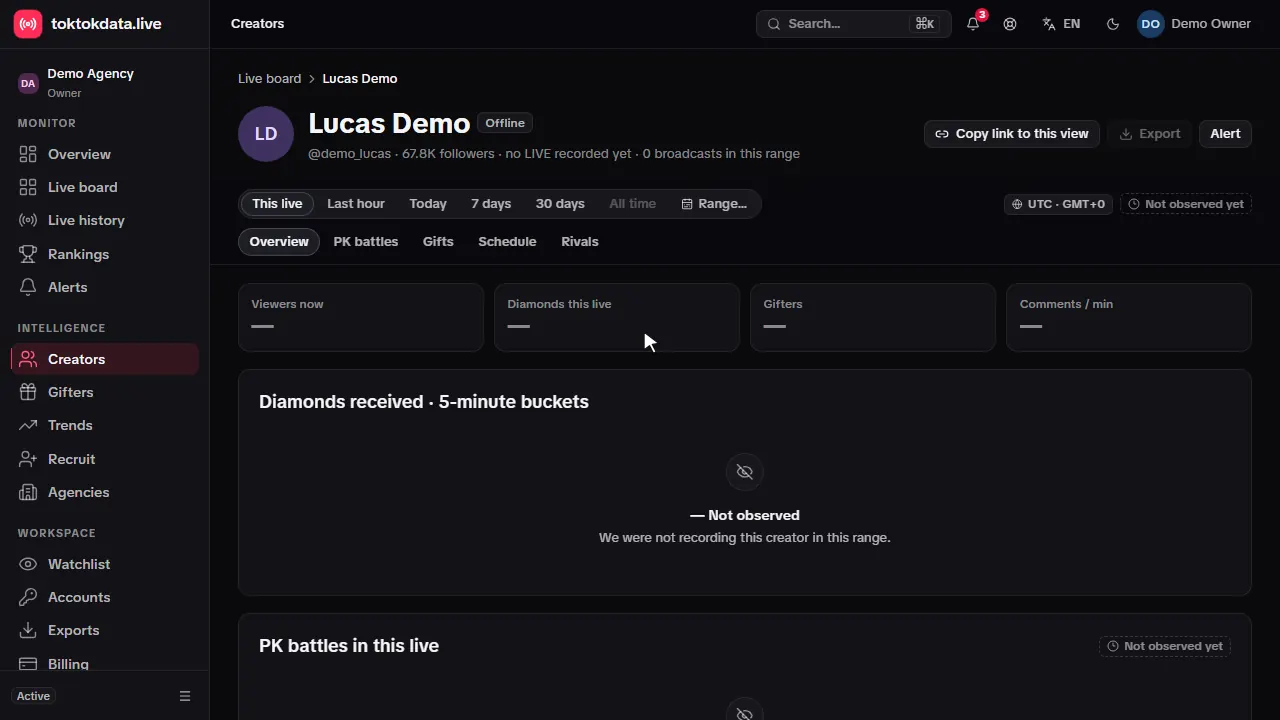
3Before the first LIVE, the creator's page has no recorded broadcast yet.
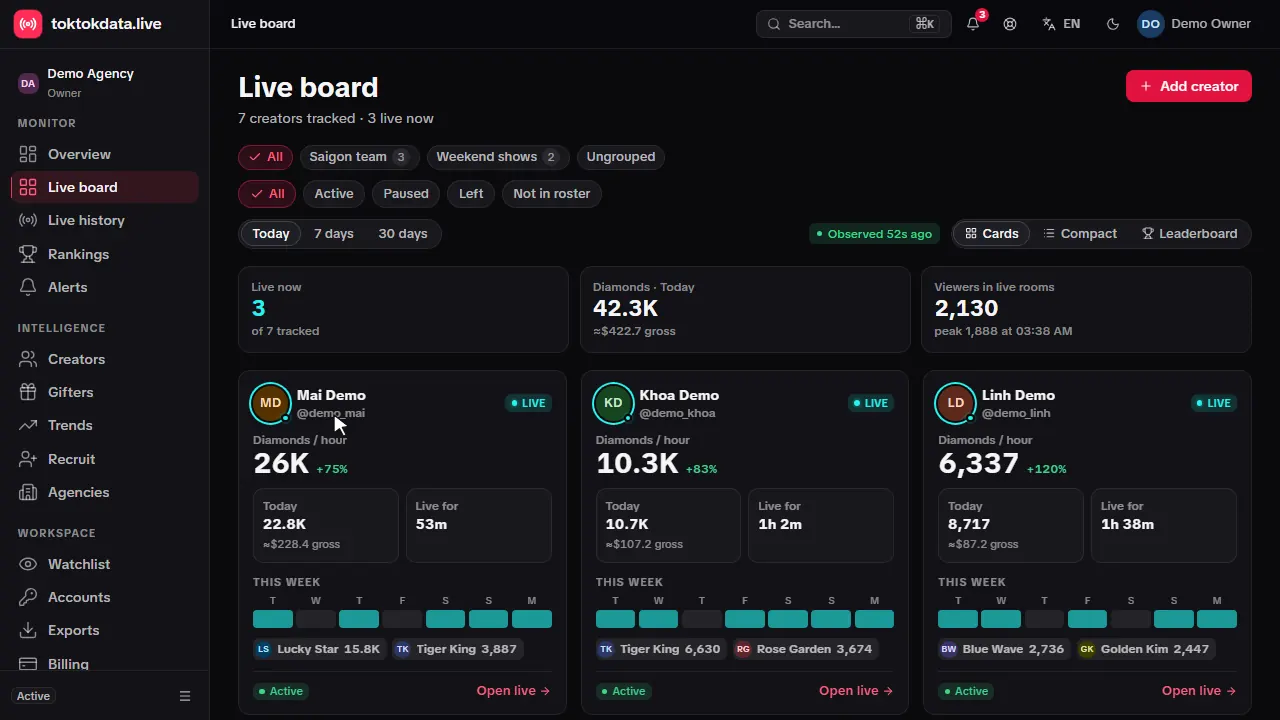
4The live board lists the new creator next to the ones already recorded.
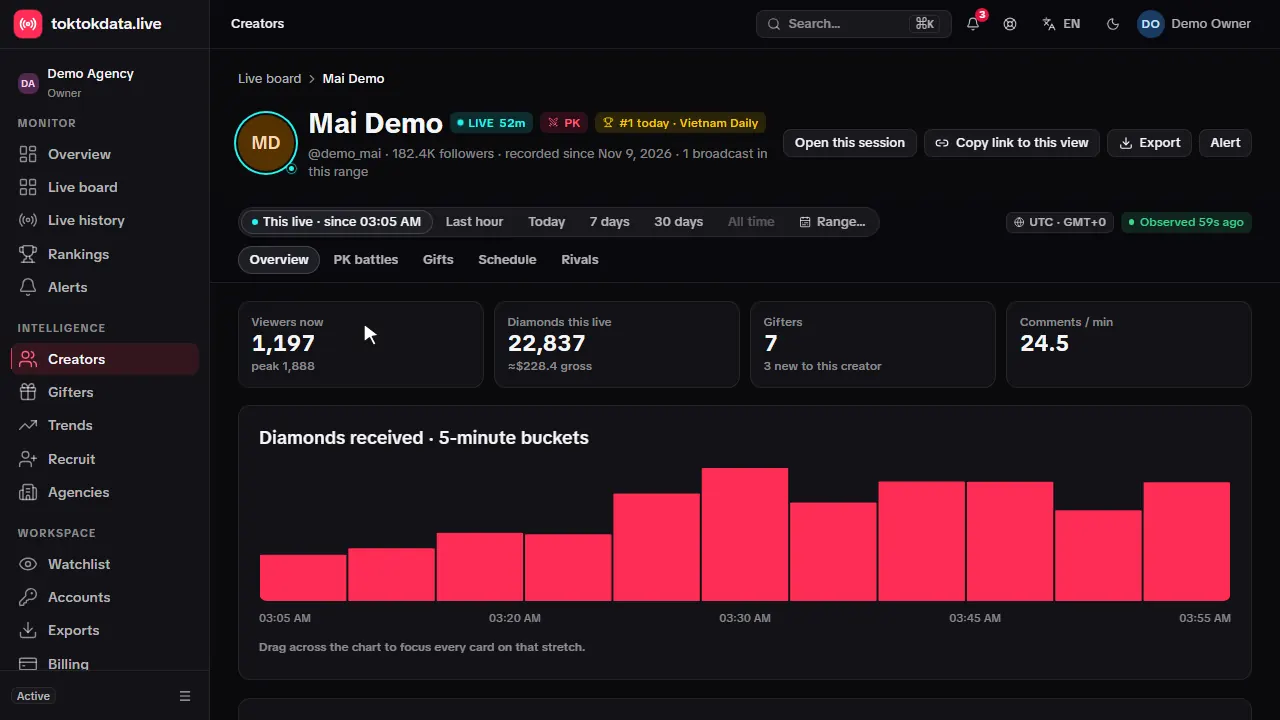
5Once a LIVE starts, viewers, diamonds and gifts come in minute by minute.
What each state means
We record a LIVE room once one of our TikTok accounts follows the creator (owner decision D56). Following happens in a queue that respects TikTok's pace, about 20 creators an hour, so one new creator is usually Tracked within minutes and a large CSV import takes a few hours to clear.
- Queued: waiting for its turn in the follow queue
- Tracked: followed; every LIVE from now on is recorded
- Waiting for the creator: a private account must accept the follow first
- Account not found: check the handle; the account may have been renamed or removed
- Needs a paid plan: the Free plan shows public data but does not record LIVE rooms
- TikTok did not keep the follow: TikTok undid the follow; our team is alerted and follows again, nothing to do on your side
What is recorded, and when you see it
Recording starts with the creator's next LIVE: broadcasts from before the creator was tracked cannot be recovered. While a LIVE runs we keep viewers, diamonds, gifts, gifters, comments and PK battles, and the dashboard updates about every minute: the creator LIVE page and the live board show the running session long before it ends.
When the LIVE ends, the session goes into the history with its totals. The gifter lists are rebuilt from recorded sessions every 15 minutes. TikTok's own daily board figures are shown even for a creator we have not recorded yet, labelled as official numbers; read how we collect data for the difference between the two.
- Minutes after you add it: Tracked
- Next LIVE: numbers on the board within a minute or two
- End of the LIVE: the session is in the history
- Within 15 minutes: its gifters in the gifter lists
Questions
Frequently asked questions
Will the creator notice the follow?
The creator sees a new follower, as with any follow. Nothing else changes for them; we only read what any viewer of the LIVE room can see.
Why is a creator still Queued after an hour?
The queue follows about 20 creators an hour. After a large import, the last creators wait their turn; nothing needs to be done.
Can I get last week's LIVE of a creator I just added?
No. Recording starts from the next LIVE after the creator is Tracked. TikTok's daily board figures for earlier days are still shown where TikTok published them.